
Welcome to Corjl.
Get started now with by following the steps below and accessing our seller resources. Bookmark this page for future reference.
Let’s get started.
Login to your Corjl account with any browser, using the “Login” link on the upper right hand of this page or click here.
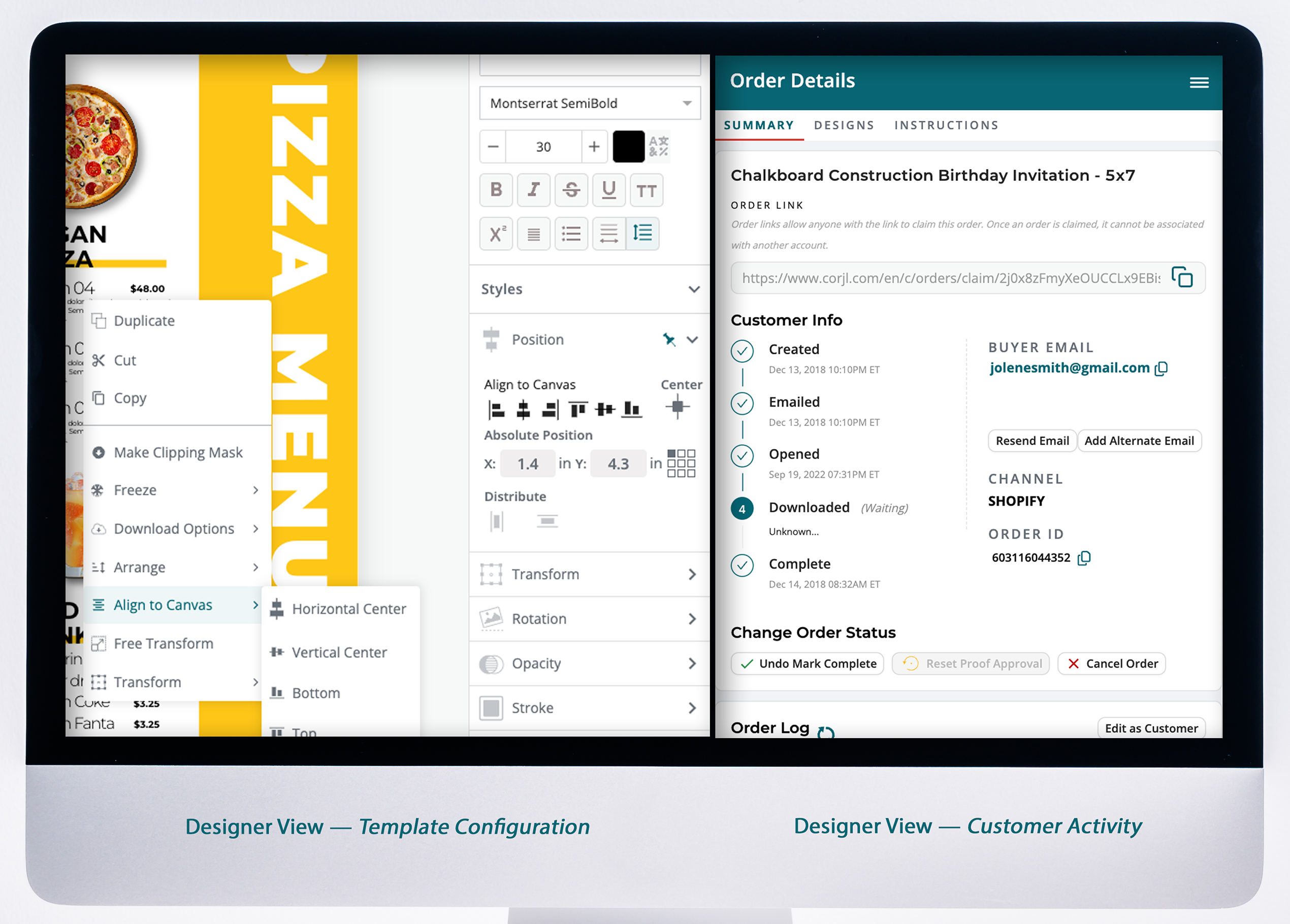
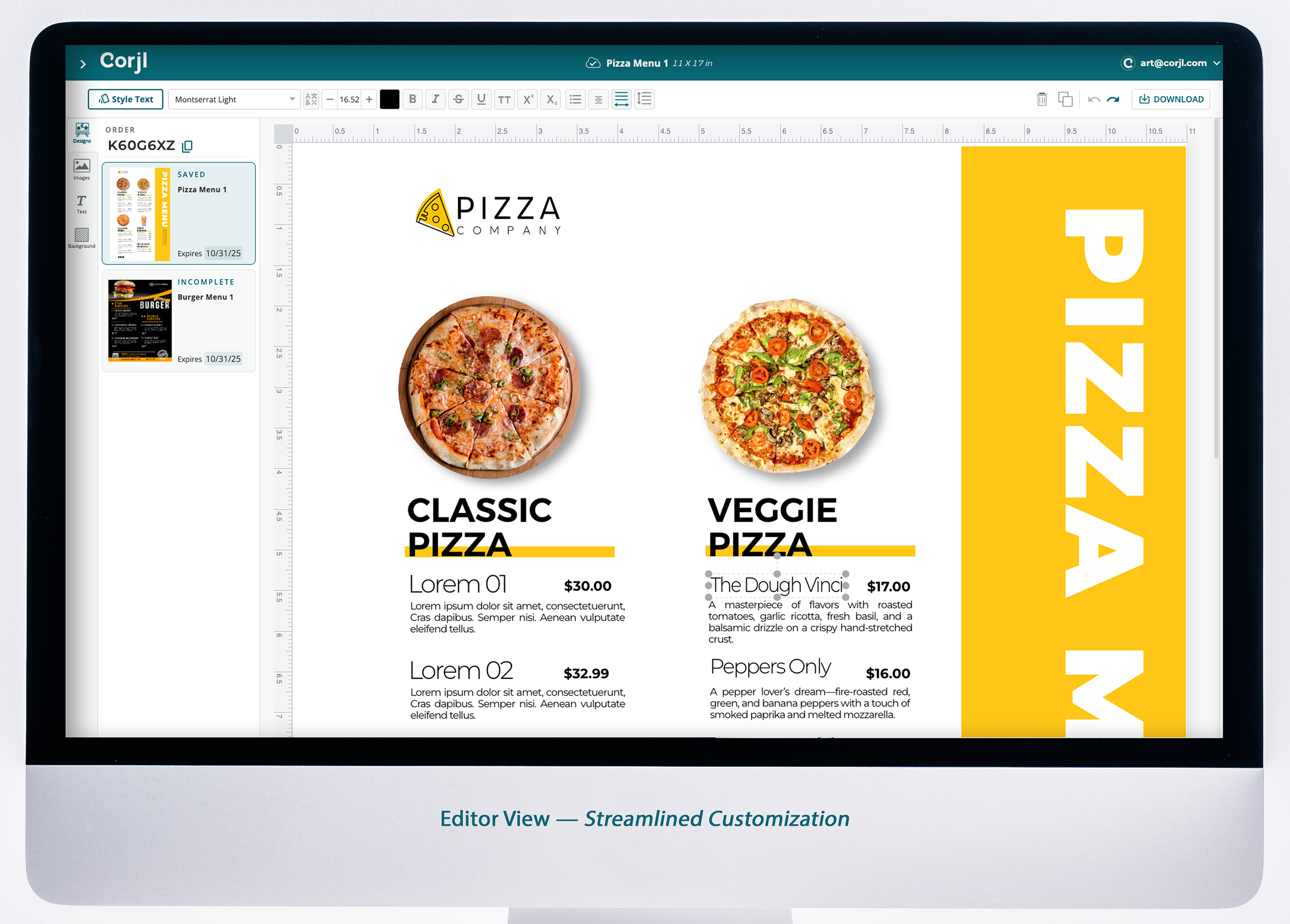
In your Corjl account, select Create New Design and upload images, add fonts and get familiar with the controls in the platform.
Connect your shop in your organization settings.
This won’t affect anything yet. Live orders won’t be impacted until you connect individual listings – see Step 4.
Once you’re ready to connect a listing, visit your Corjl Listing settings to assign individual IDs to make your item live.
Review full listings settings here.
Have more questions?
Feeling stuck? Contact the Corjl Customer Success team with your questions.
Start using Corjl today.
The best way to create, control, manage and monetize digital templates.