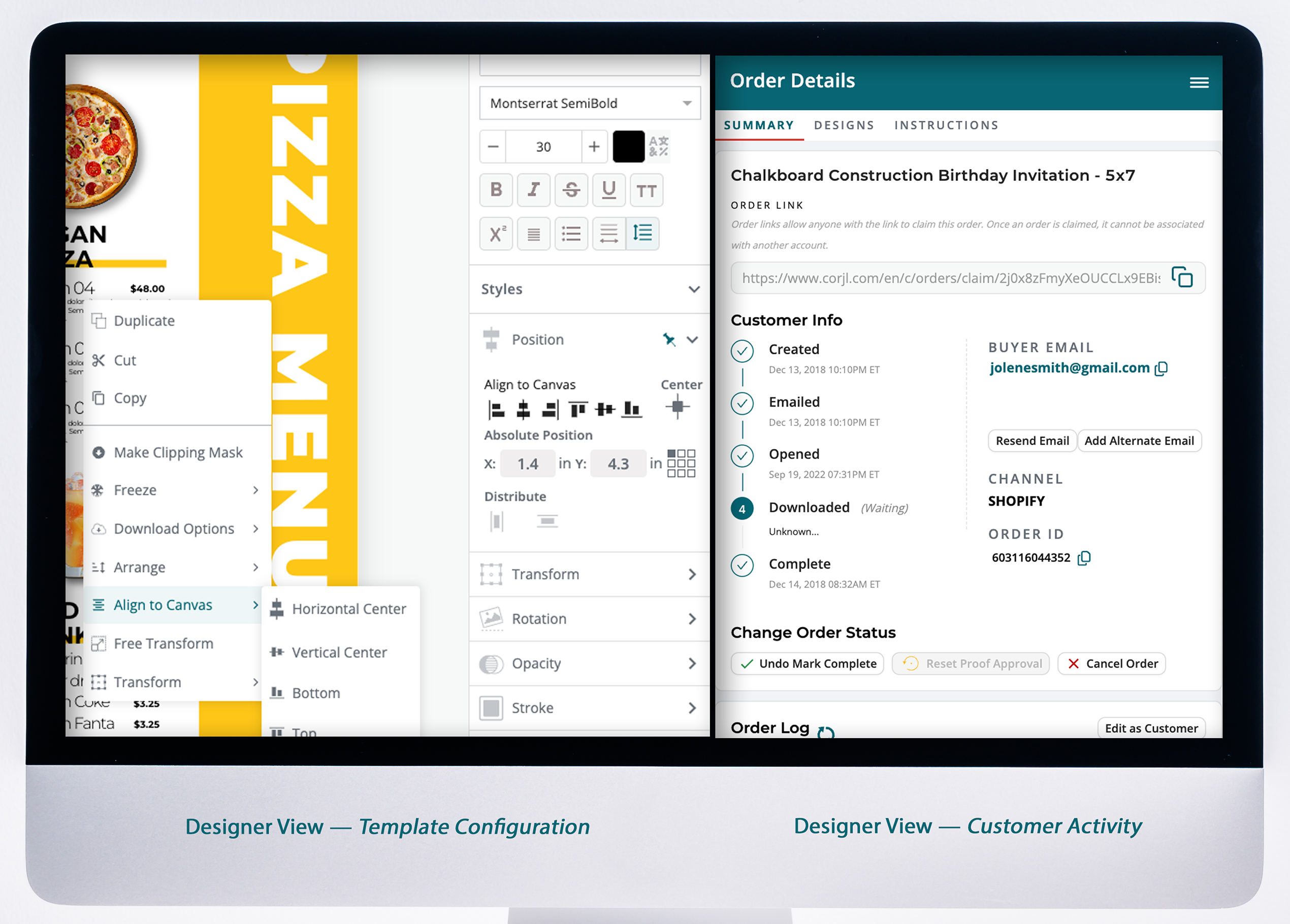
Edit your design.
Welcome to Corjl! Here are some instructions to help you edit, personalize, and download your items.
✔ Access your Corjl item(s).
✔ Start editing.
✔ Download & print.
View complete Editing Instructions or send us a message for help.
Step-by-step proccess
Click the Edit My Design button (or use the link in your email). Sign up or log in with your email (or Google) to get started.
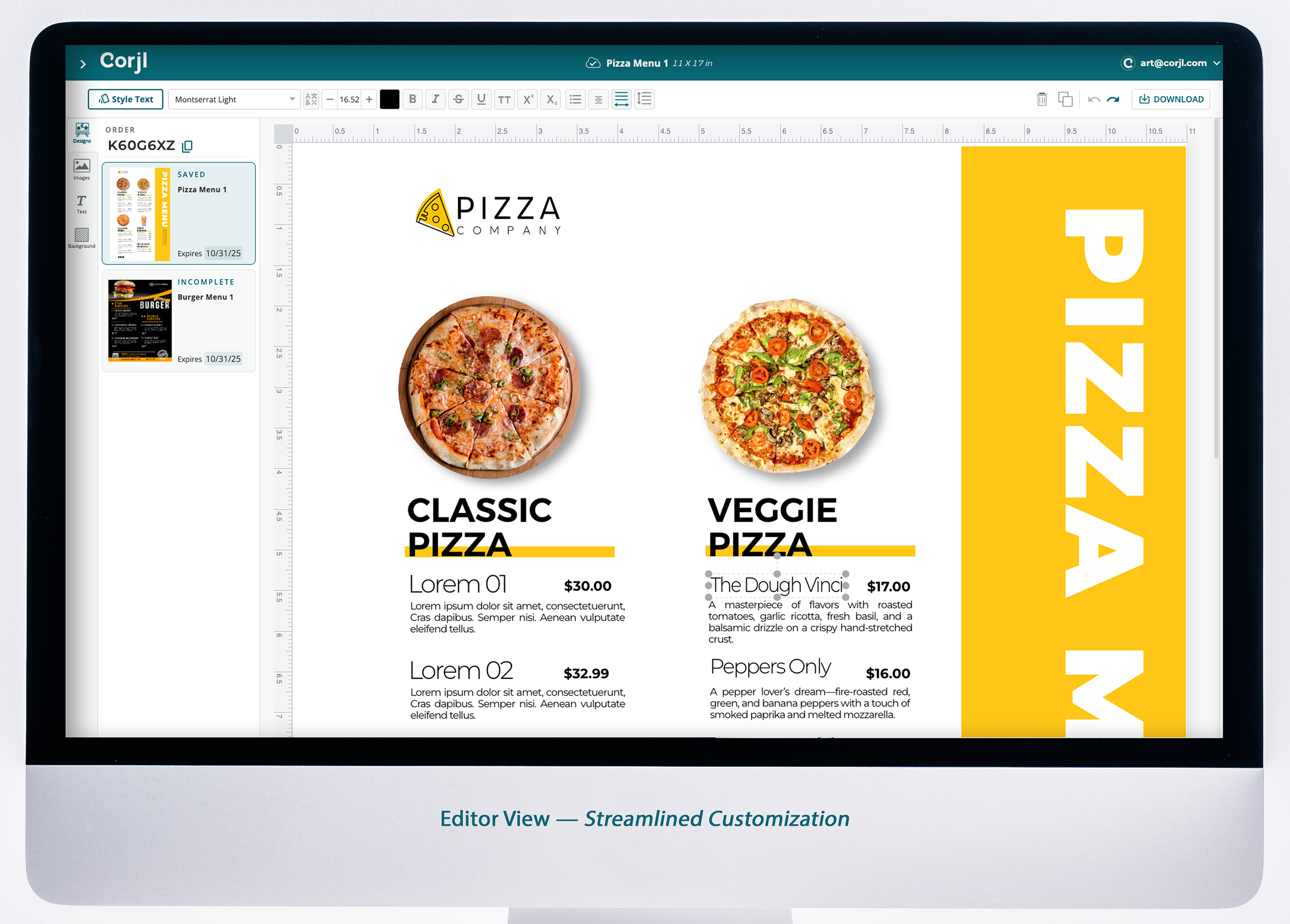
Edit text and images directly on the artboard. Use the undo button or revert to the original design if needed. Save when you’re happy.
Click Download to save your design as PDF, JPG, or PNG (options depend on the designer). Choose paper size, trim marks, or multiples per page if enabled.
Select Order Prints (if enabled for your items) to order professional prints on premium paper, delivered to your door. Or take your digital file to your favorite printer.
Have more questions?
Our support team is ready to help – send us a message!