
Corjl for designers
What's new in Corjl for template designers
Corjl keeps adding tools for designers who sell editable templates: printed products you can sell on Etsy, faster ways to design, control over what customers change, and more for your shop. Each part links to the help article with the full steps.
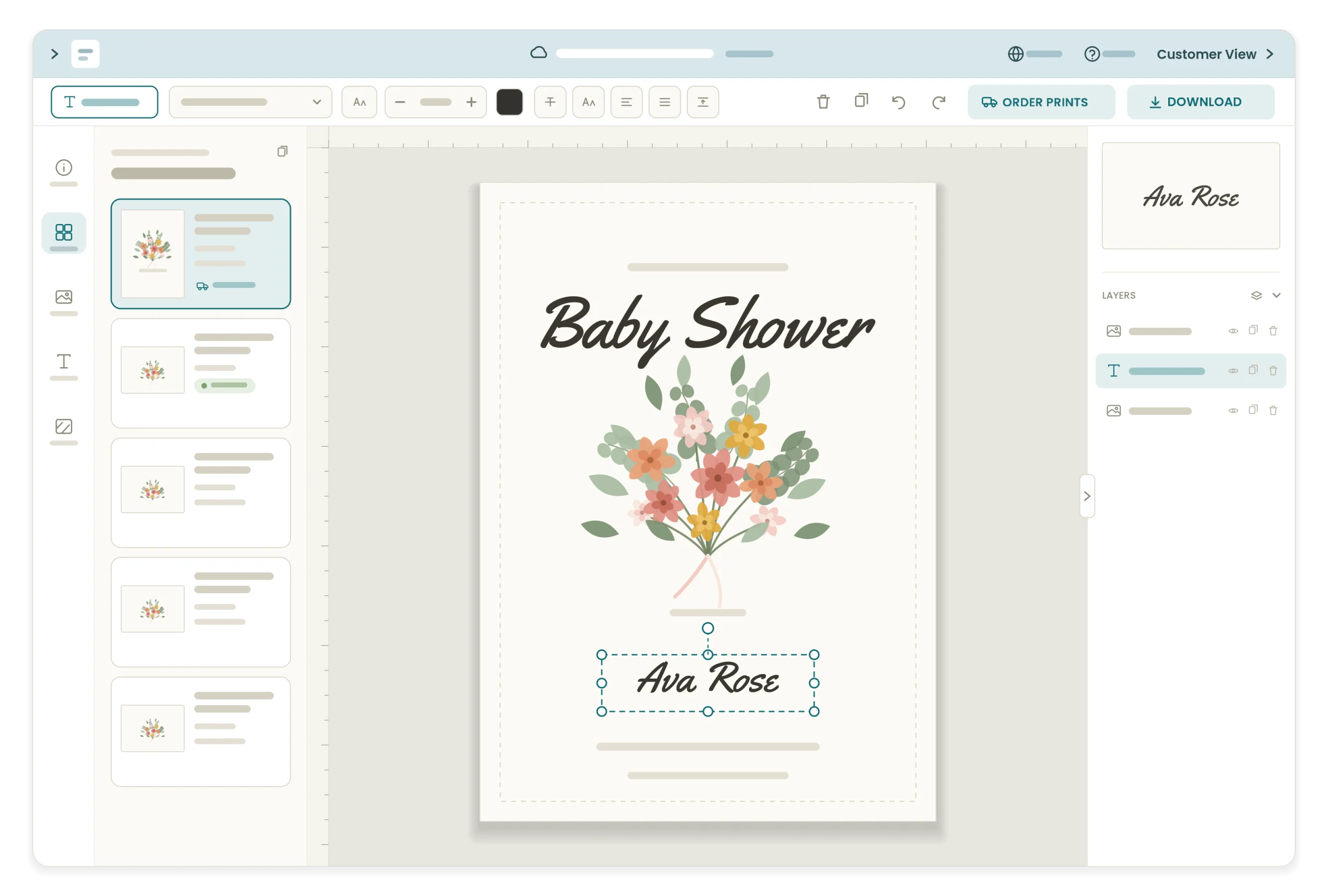
Fulfillment by Corjl
Sell printed products on Etsy
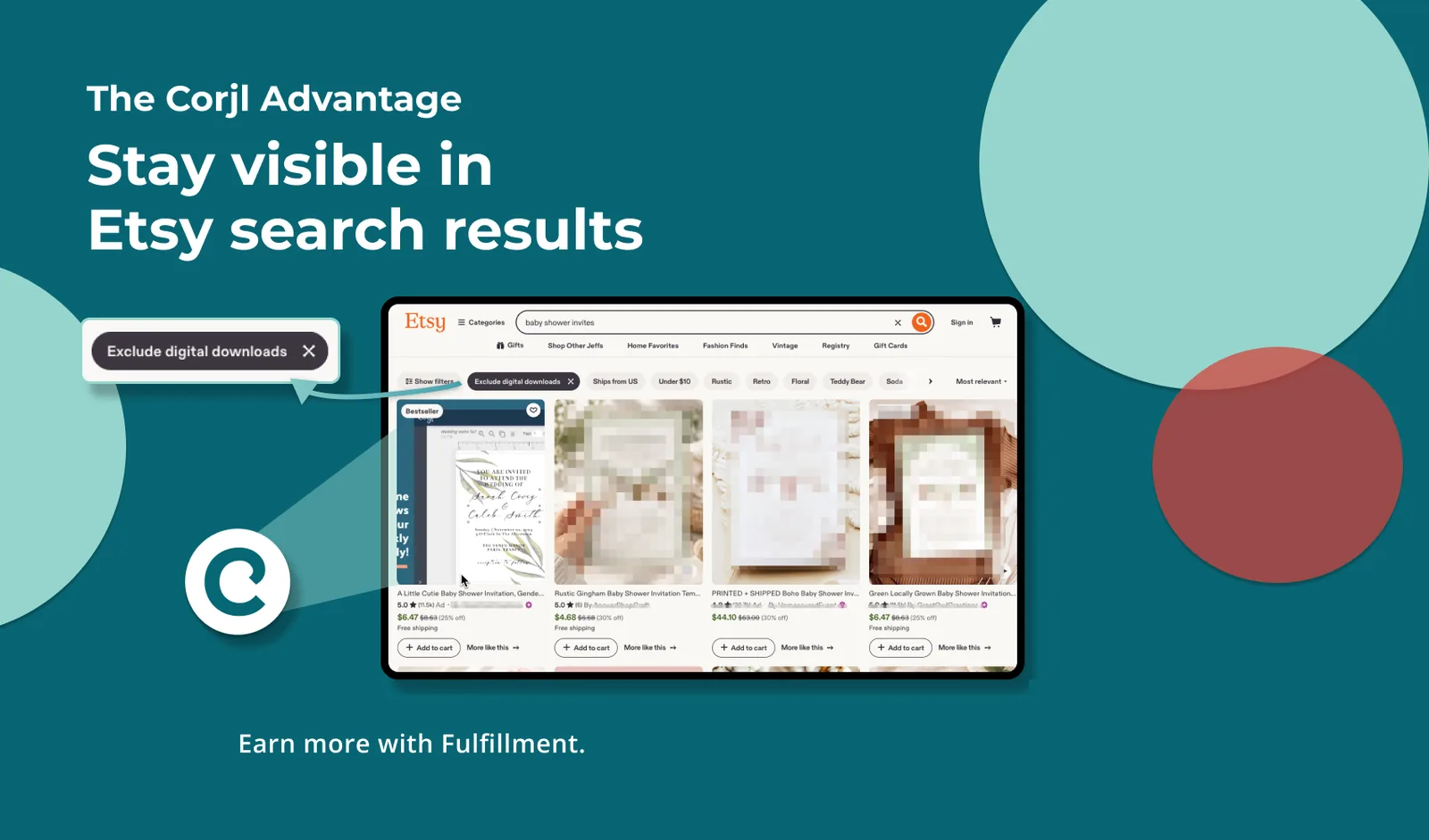
Etsy now leaves digital-only listings out of search for many shoppers. Add a printed option to a listing you already have, and sell the template and the prints side by side.
- Approve Proof: the customer edits and approves, Corjl emails you, you send it to print
- Wholesale pricing by plan, with a calculator for your retail price
- Drop-ship to your customer with no prices or identifying information
Corjl Prints
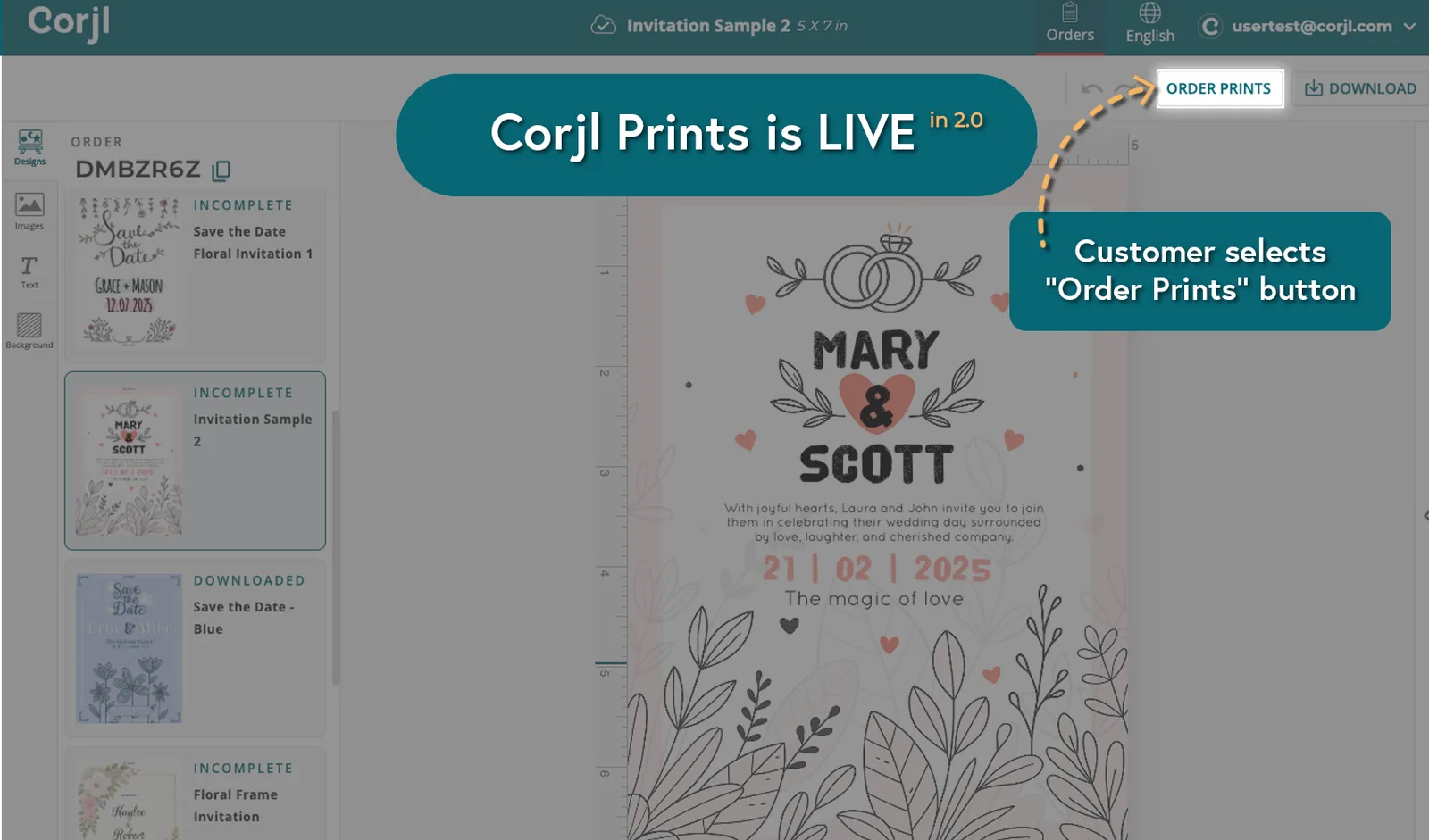
Customers order prints in the editor
An Order Prints button sits next to Download, so customers order professional prints of their finished design without leaving Corjl. You earn a 20% commission through the Corjl Pays Program.
Prints ship within the U.S., in flat and folded sizes with envelopes and three paper options.
Variable print
A different name on every card
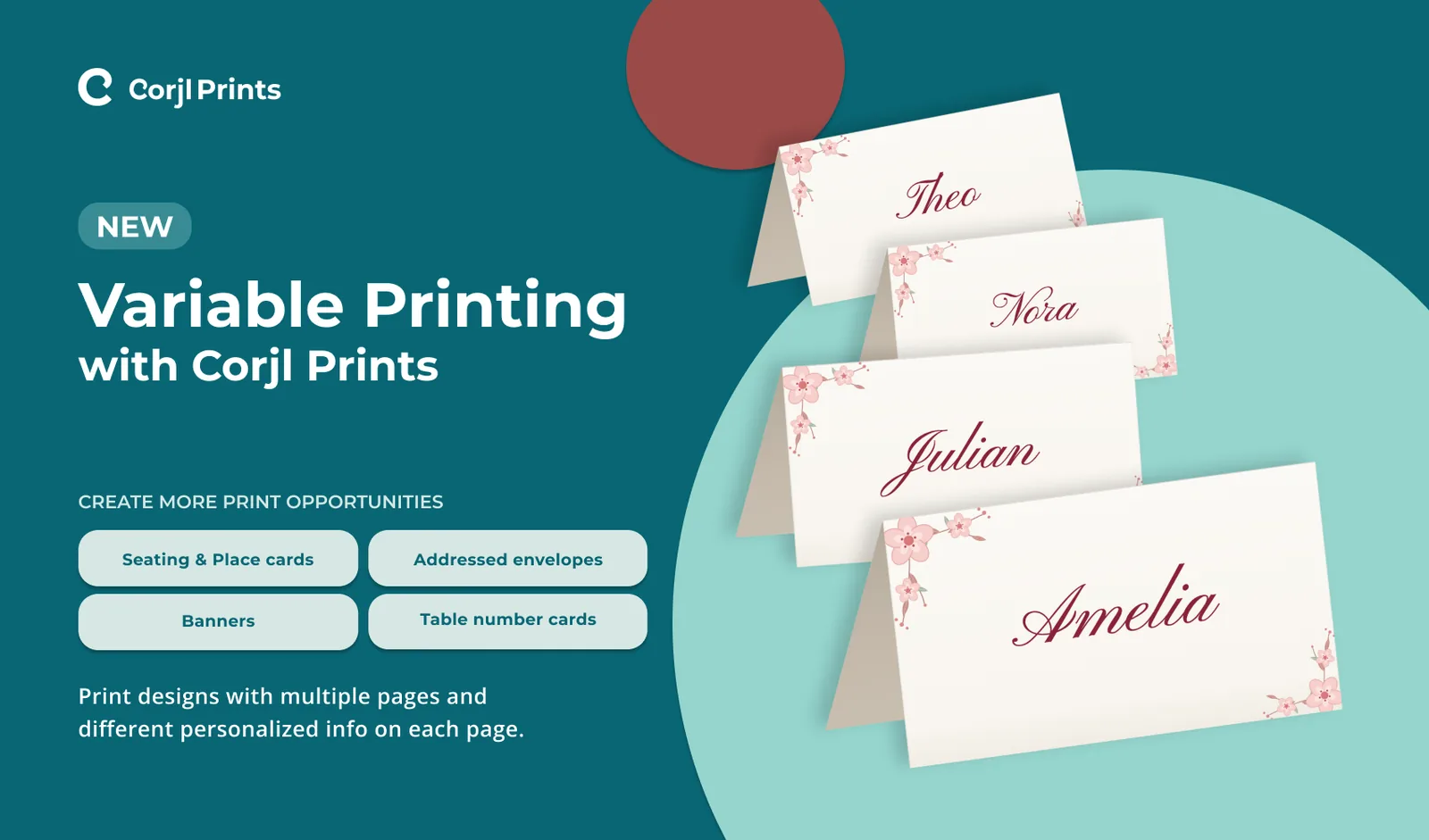
Variable print prints a design whose pages all differ, in one order: seating and place cards, addressed envelopes, banners, table numbers.
Customers can also take the back of a card from another design in the same order.
Start faster
Begin from a preset or a template
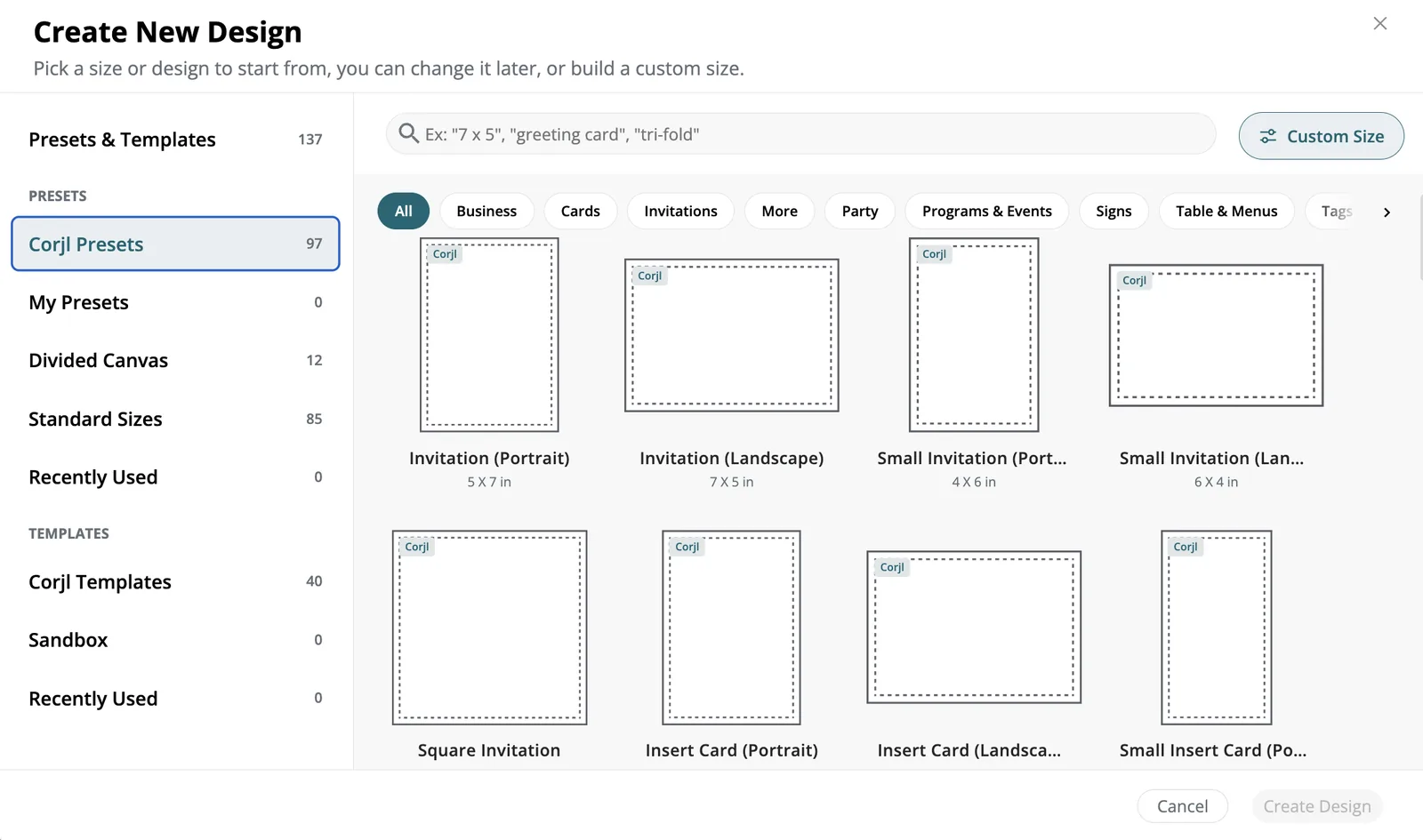
A preset is a blank canvas with the size and print settings already set. There are more than 90, from 5 x 7 in invitations to tags, labels, signs and menus, and you can save your own.
A template is a finished design to start from. Copy one to your Sandbox to change it and reuse it.
With Data Merge, upload a CSV of up to 1,000 rows and Corjl makes one personalized page per row, ready for name tags or place cards.
Design tools
Everything a template needs
- Curved, gradient and multi-color text, justified alignment, lists, and text boxes that grow as the customer types
- Clipping masks with images, shapes or text, plus crop, filters and blend modes
- Gradient backgrounds and shapes, rounded corners, dashed and dotted lines
- QR codes and clickable links on text
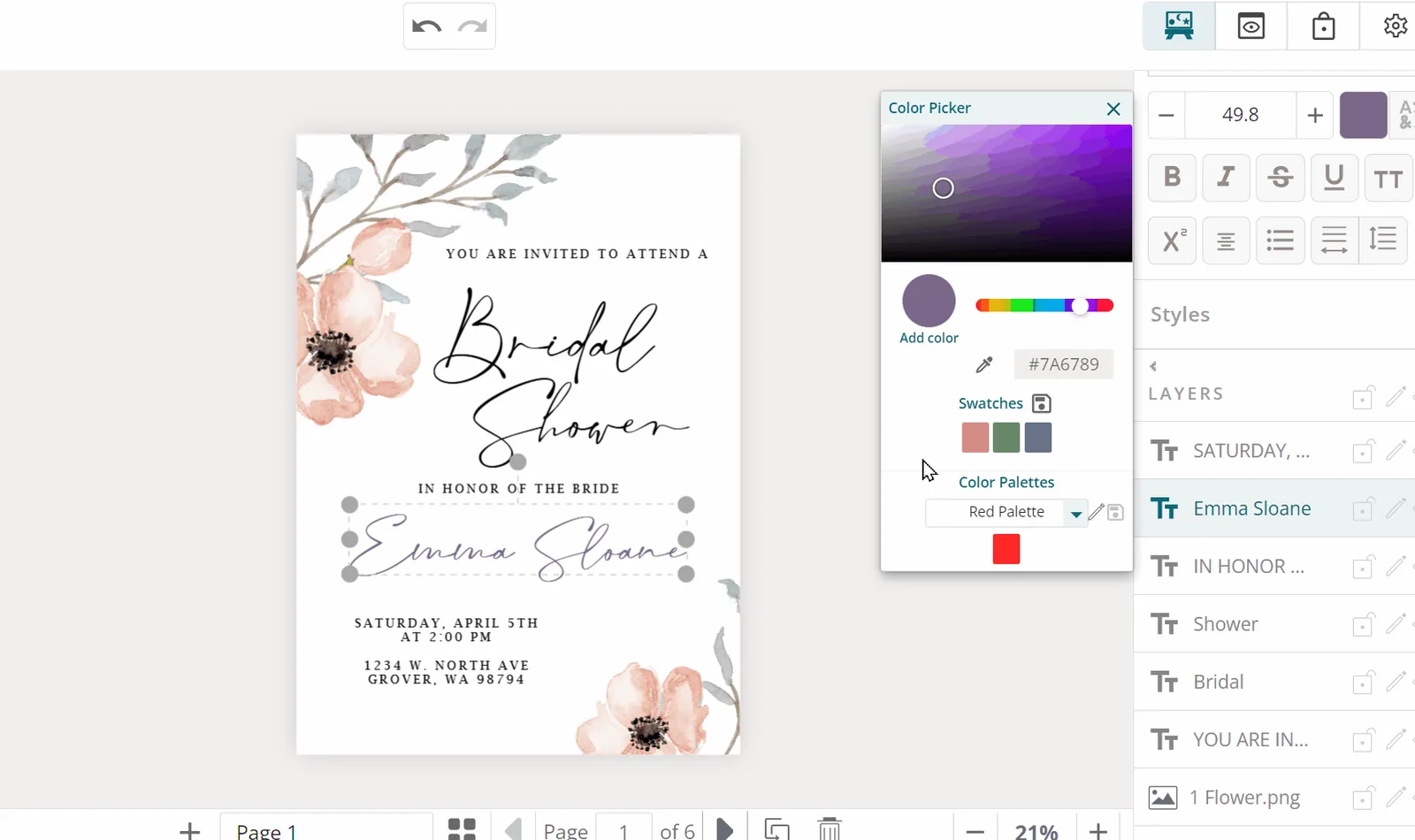
- Color palettes, an eyedropper, and canvas sections for folded programs and place cards
Design protections
You decide what customers can change
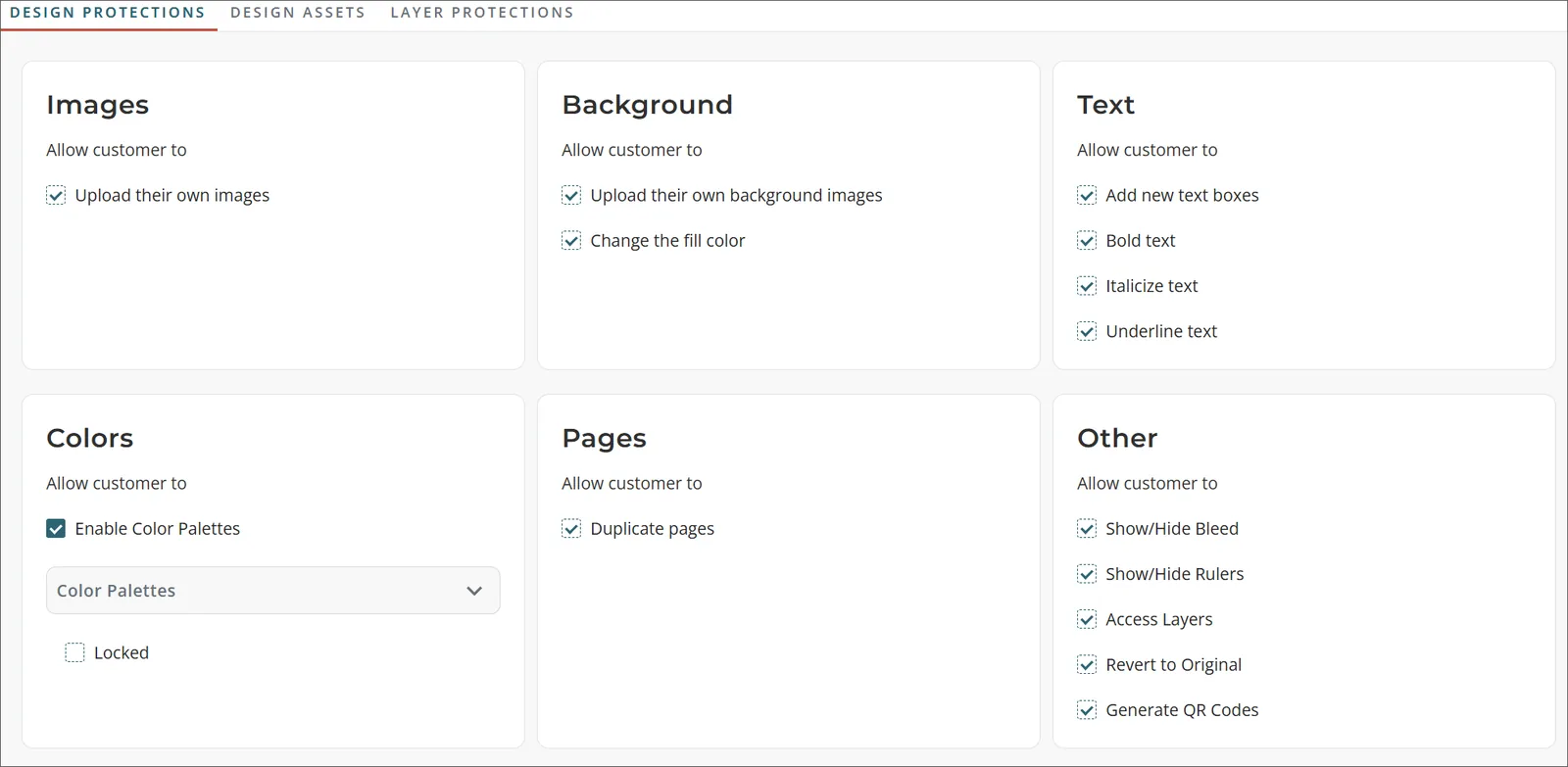
Lock a text's wording, font, size or color, require a field, or limit its length. Let customers swap in their own photo or only one of yours. Freeze, lock, or lock and hide any layer.
Set the rules once in global settings and they reach every design, or change them for one design on its Design Protections tab.
For your customers
An editor made for phones
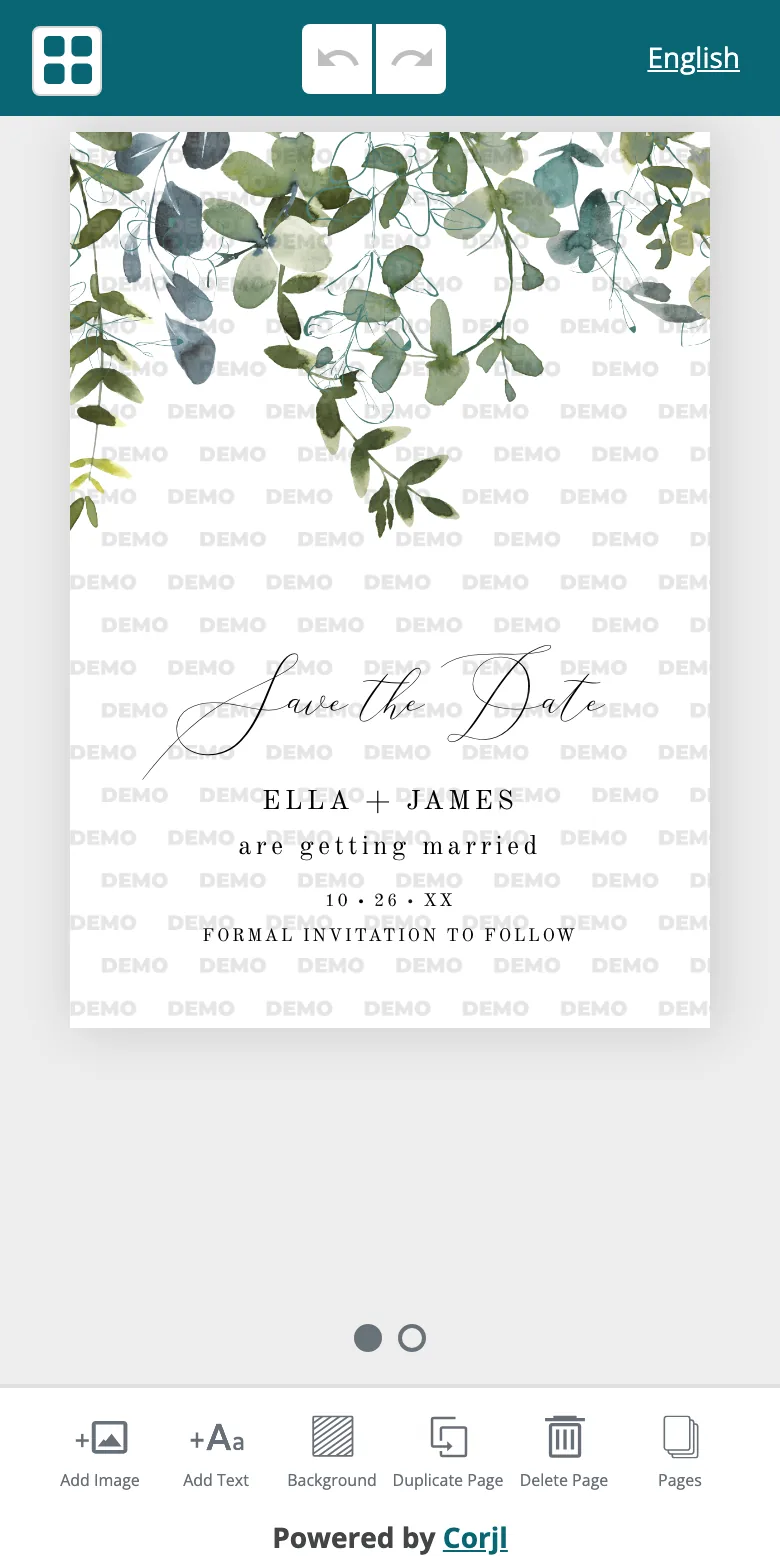
The customer editor has its own layout for phones: swipe between pages, edit from the menu at the bottom, and every change saves itself.
Customers download PNG, JPG, PDF or SVG, in English, German, French, Spanish, Italian, Dutch, Portuguese or Vietnamese, and can log in with Google, Apple or Amazon.
Your shop
See how your demos perform
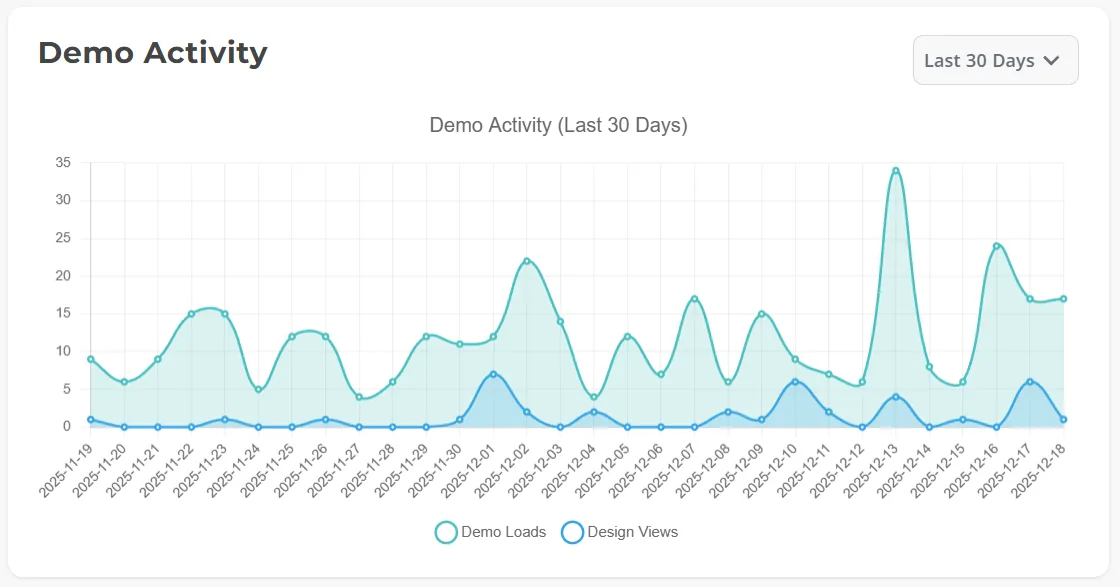
The Demo Link Dashboard shows how often your demo links are opened and your designs viewed over 7, 30 or 90 days (not on the Design plan). The SEO tab helps search engines show your demo pages.
Orders from Etsy, Shopify and WooCommerce come in by themselves. On Shopify Grow or higher, the Shopify API integration adds variations and Buy Now demo links.
Questions
Yes. Add a printed option as a variation on the same Etsy listing. Customers still edit the design themselves, approve the proof, and you send the order to Corjl to print and ship.
English, German, French, Spanish, Italian, Dutch, Portuguese and Vietnamese, for designers and for their customers.
New Corjl Updates on the help site lists each release as it comes out.

Start selling your templates on Corjl
Pick a plan and try it free for 15 days.